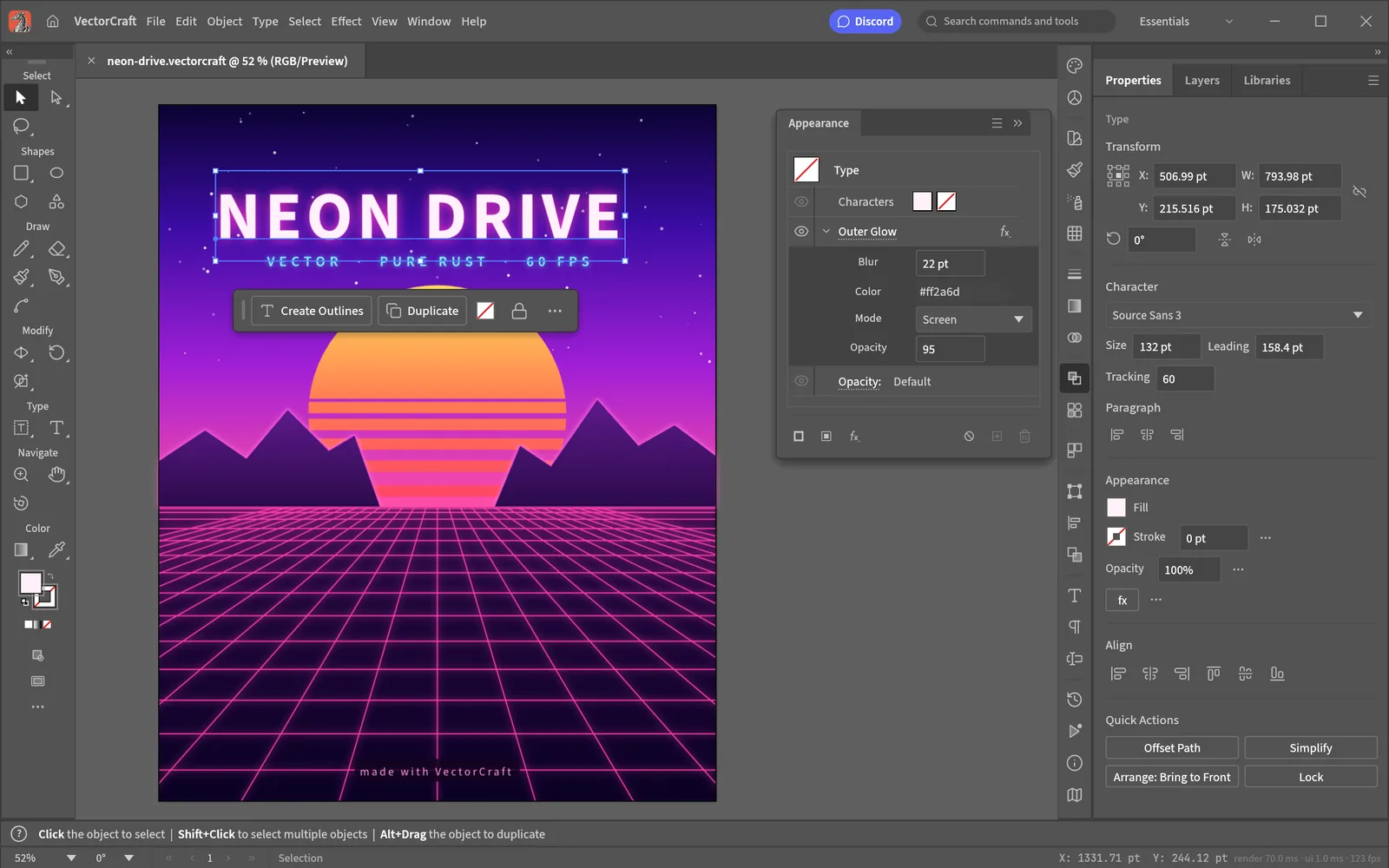
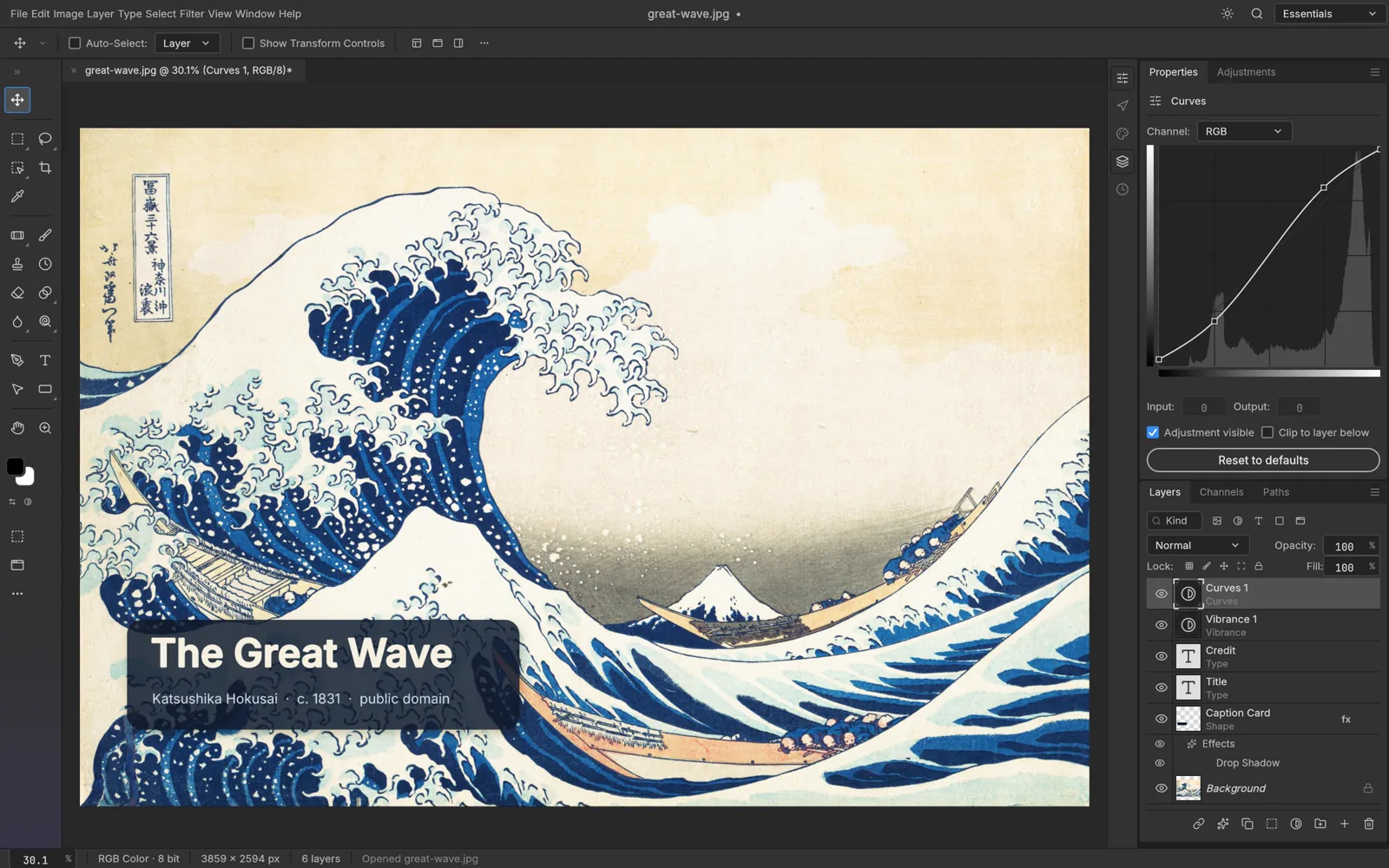
All your creative apps.
No installation required.
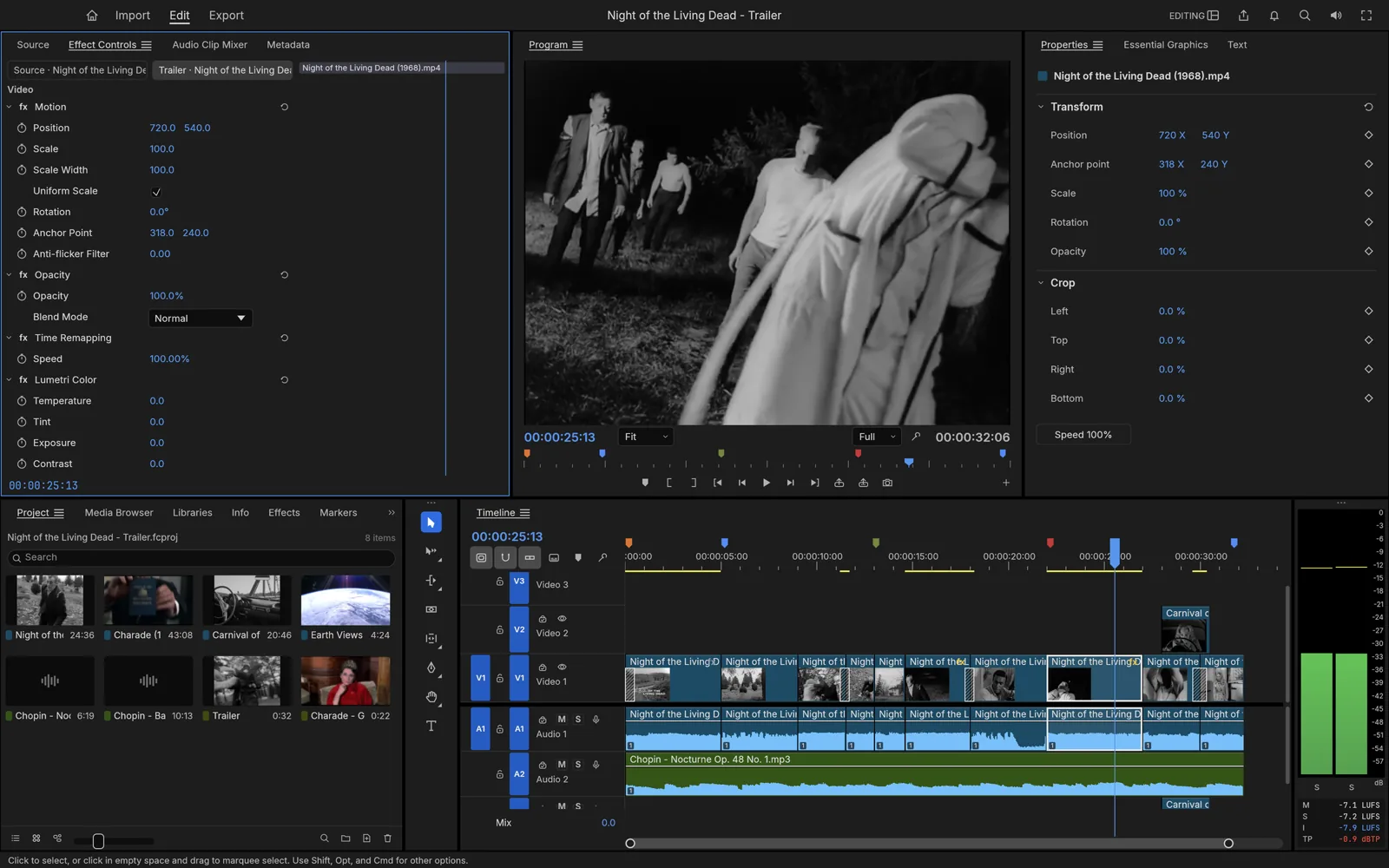
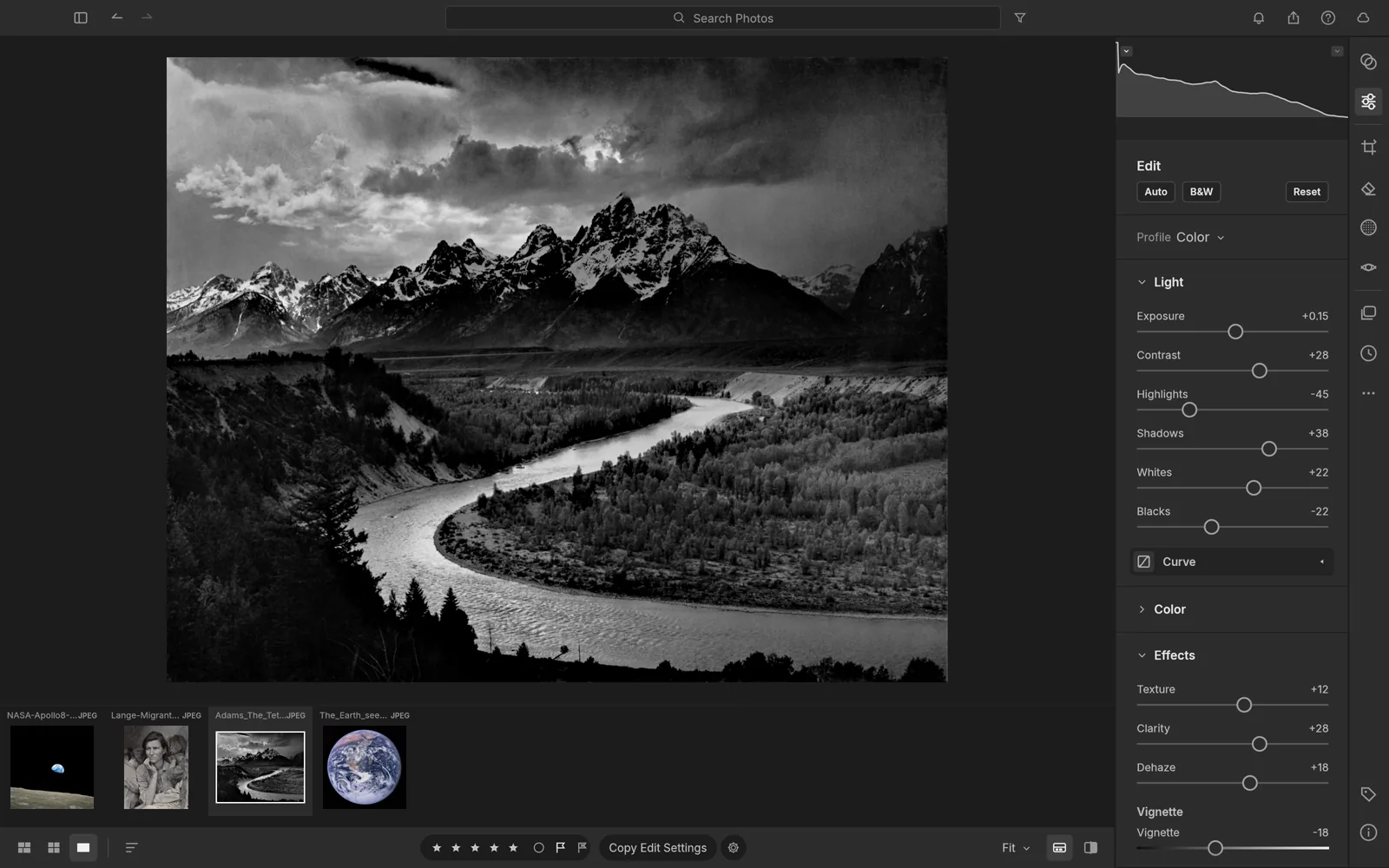
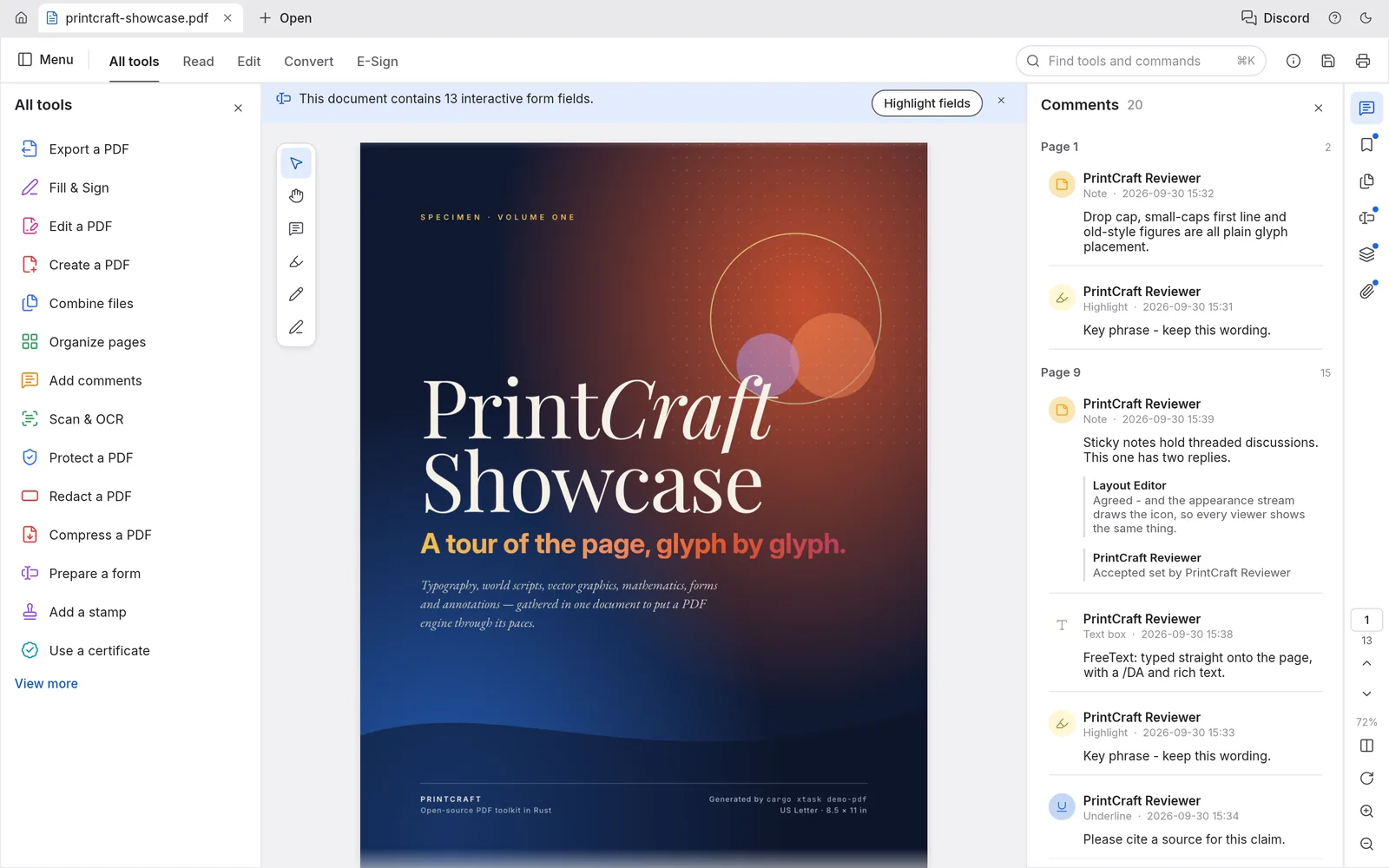
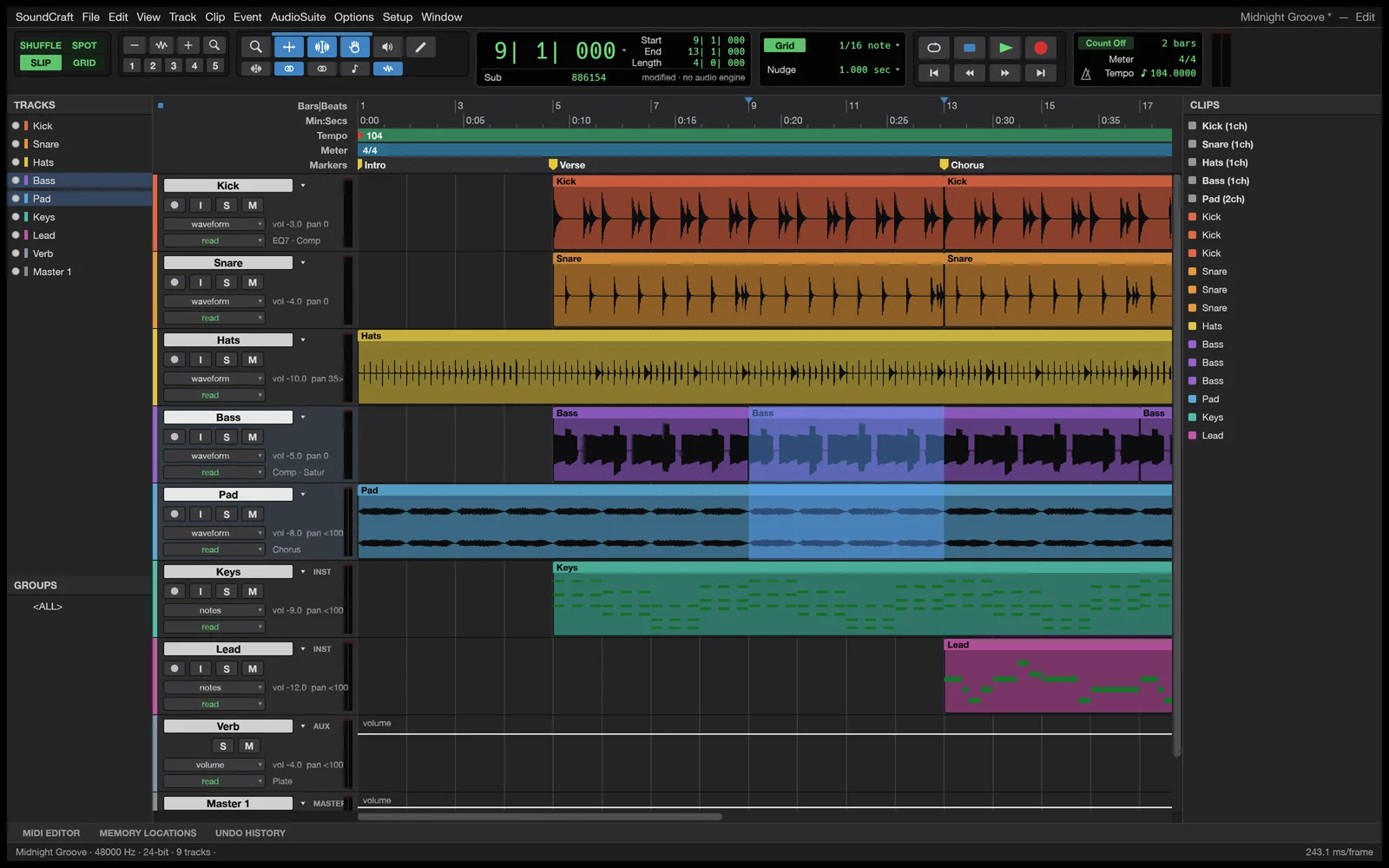
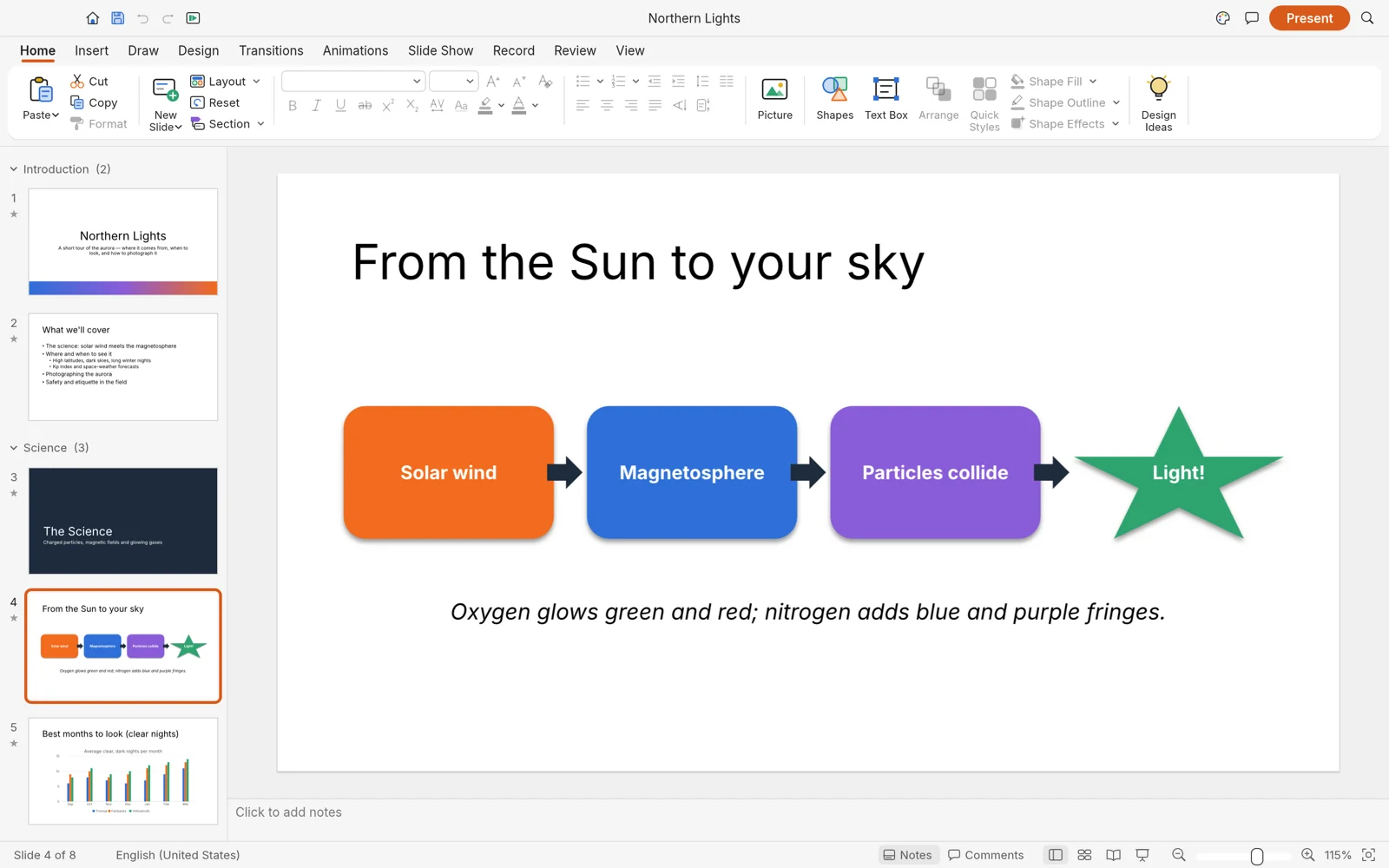
Vector illustration, image editing, PDF tools, video, audio & more — locally in your browser. No downloads, no account.
 VectorCraft
All Applications
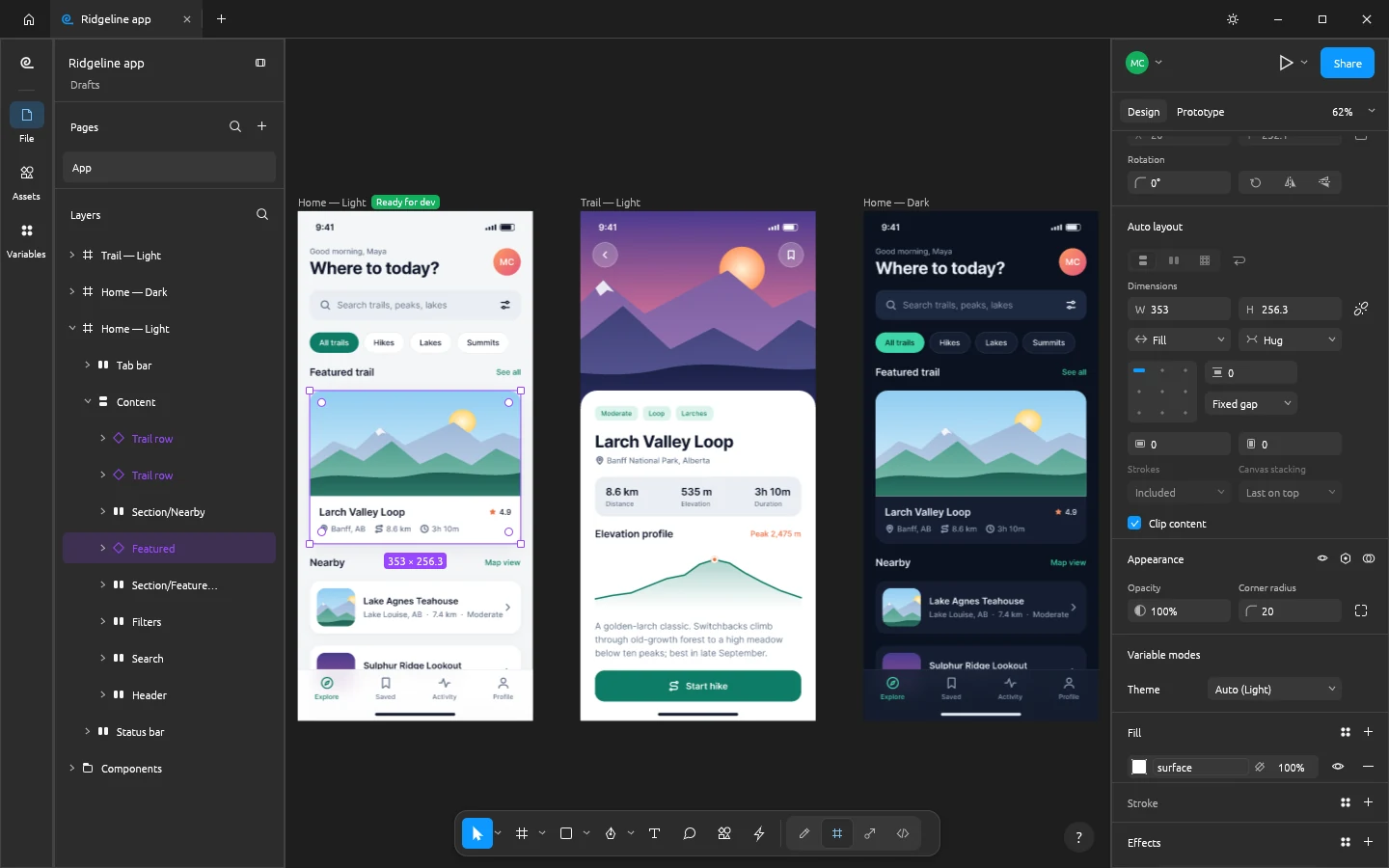
Hover any tool to launch in browser, or click to view full specifications.




Frequently Asked Questions
No. All applications run directly in your web browser powered by WebAssembly. There are no desktop installers, downloads, or background processes required.
No. Plasa.app is local-first. All rendering, vector calculations, photo editing, and audio processing execute entirely inside your local browser. Your files never leave your computer.
Yes. Every app on Plasa.app is free to use with no paywalls, accounts, or subscriptions, and all 13 applications are open-source projects licensed under Apache-2.0 or MIT.
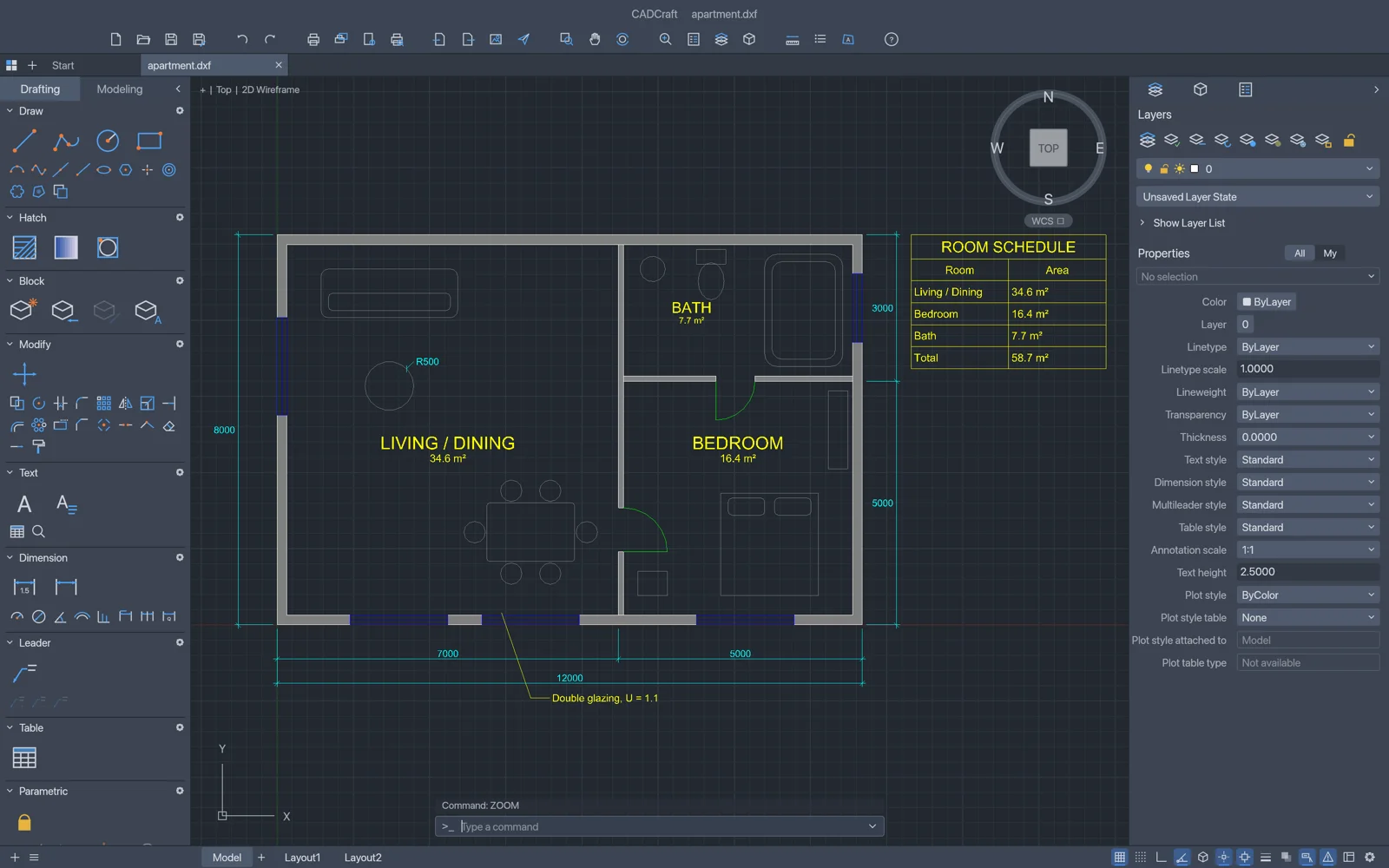
Yes. Depending on the app, you can export industry-standard SVG, PNG, PDF, DOCX, MP4, DXF, and XLSX directly to your hard drive.
Yes. With PdfCraft on Plasa.app, you can view, edit, reorder, merge, split, and sign PDFs directly in your browser tab. Unlike other online PDF editors that send your files to remote cloud servers, Plasa executes 100% locally via WebAssembly, guaranteeing zero file uploads and complete document privacy.
PhotoCraft provides a full-featured online photo editor running in Rust and WebGPU. It opens and saves multi-layered PSD and PSB files, adjustment layers, masks, smart objects, and filters without requiring Adobe Photoshop or desktop software installations.
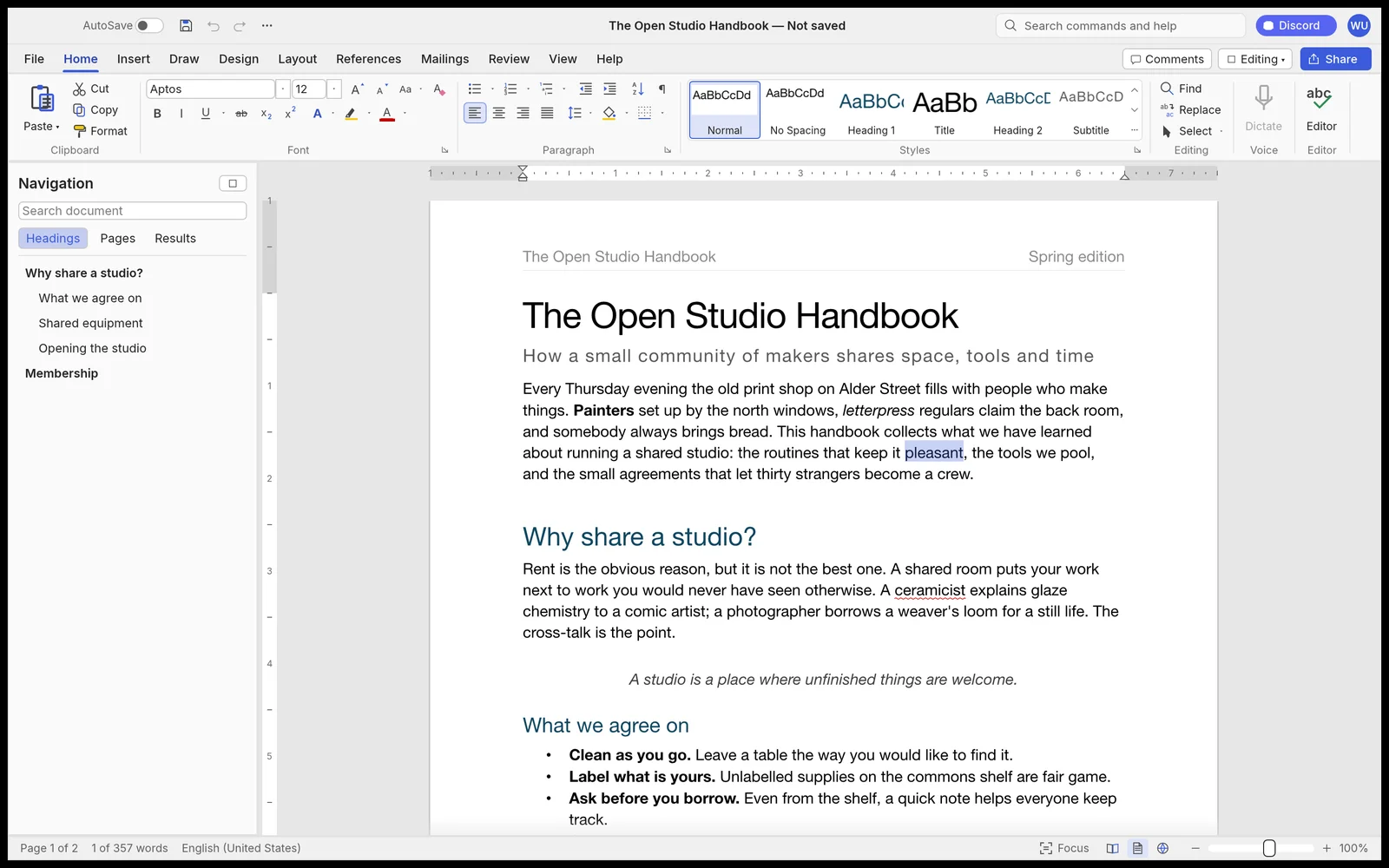
Yes. WordCraft is an open-source online word processor that natively opens and saves Microsoft Word (.docx) files, Markdown, and HTML, and exports clean PDFs with track changes and offline spellcheck—no Microsoft 365 account or cloud login needed.